In today’s fast-paced digital world, the need for portable storage solutions is greater than ever. USB drives, especially those with USB 3.0 technology, have become essential for data transfer, backup, and storage. With various options available in the market, selecting the right 8GB USB 3.0 pen drive can be daunting. This article will guide you through the critical considerations, features, and options available to help you make an informed decision.
Understanding USB 3.0 Technology
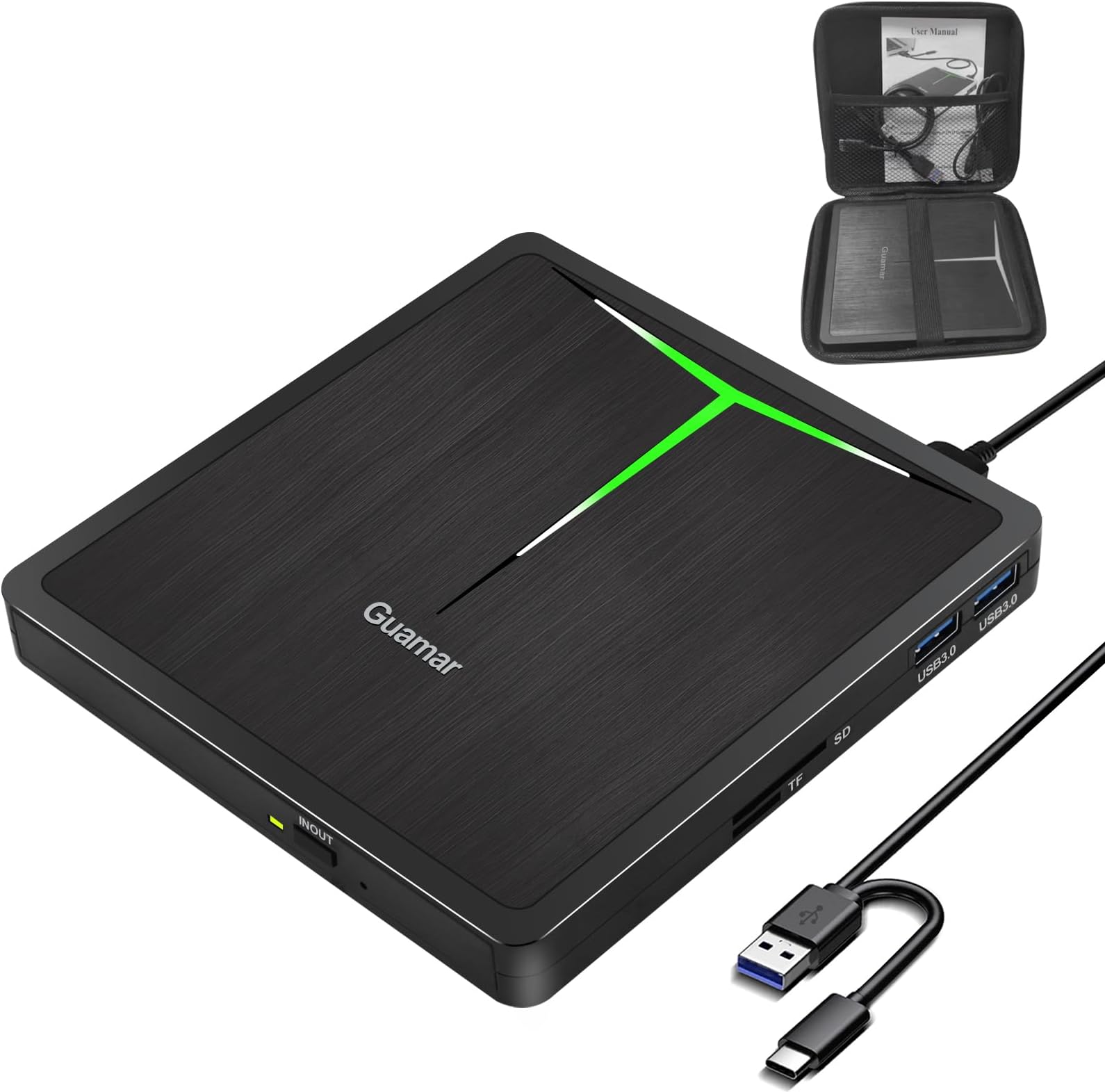
Before diving into the specifics of choosing an 8GB USB 3.0 pen drive, it’s essential to understand what USB 3.0 technology brings to the table.
- Speed: USB 3.0 offers transfer speeds up to 5 Gbps, significantly faster than its predecessor, USB 2.0, which has a maximum speed of 480 Mbps. This increased speed is crucial for transferring large files quickly.
- Backward Compatibility: USB 3.0 drives are backward compatible with USB 2.0 ports, meaning you can use them with older devices, albeit at slower speeds.
- Power Efficiency: USB 3.0 consumes less power, making it an eco-friendly option while still providing high performance.
Factors to Consider When Choosing an 8GB USB 3.0 Pen Drive
Several factors can influence your decision when selecting an 8GB USB 3.0 pen drive. Here are the most critical ones to keep in mind:
1. Intended Use

Your primary use case will significantly determine the type of pen drive you need. Consider the following:
- File Types: If you plan to transfer multimedia files like videos and images, look for a pen drive that boasts high read and write speeds.
- Backup Solutions: For backup purposes, reliability and durability are paramount. Consider drives with a solid build and robust data protection features.
- Portability: If you’re on the go, a compact and lightweight design is crucial.
2. Build Quality and Design
USB pen drives come in various designs, and durability should be a key consideration. Look for the following:
- Material: Drives made from metal or high-quality plastic tend to be more durable than those made from cheaper materials.
- Water and Shock Resistance: Some drives offer protection against water damage and physical shocks, making them ideal for travel.
- Keychain or Lanyard Attachment: A design that allows you to attach the drive to your keys or bag can help prevent loss.
3. Data Transfer Speed
While USB 3.0 drives are generally faster than their predecessors, the actual transfer speed can vary between brands and models. Look for:
- Read and Write Speeds: Check the manufacturer’s specifications for read and write speeds. A good 8GB USB 3.0 pen drive should offer at least 80 MB/s for reading and around 20-30 MB/s for writing.
- Real-World Tests: Seek out reviews or benchmarks that provide real-world performance data rather than just manufacturer claims.
4. Brand Reputation and Warranty
Brand reputation can provide valuable insights into the quality and reliability of a USB pen drive. Consider the following:
- Reputable Brands: Brands like SanDisk, Kingston, and Samsung are known for producing reliable USB drives.
- Warranty: Look for products that come with a warranty, indicating the manufacturer’s confidence in their product quality.
5. Price and Value for Money
While it might be tempting to choose the cheapest option, consider the value for money. A slightly higher-priced drive with better performance and durability can save you money in the long run. Evaluate:
- Price Comparison: Compare prices across different retailers to ensure you get the best deal.
- Features Versus Cost: Weigh the features offered against the price to determine if it’s worth the investment.
Top Recommendations for 8GB USB 3.0 Pen Drives
To help you further, here are some top-rated 8GB USB 3.0 pen drives based on the factors discussed:
- SanDisk Ultra Flair USB 3.0 Flash Drive: Known for its speed and reliability, it offers read speeds up to 150 MB/s and is compact for easy portability.
- Kingston DataTraveler 100 G3: This drive features a durable design and is known for its good write speeds at an affordable price.
- Samsung BAR Plus: With a sleek metal design, this drive is both stylish and robust, boasting impressive read speeds and a shock-resistant build.
Case Studies: Real-World Applications
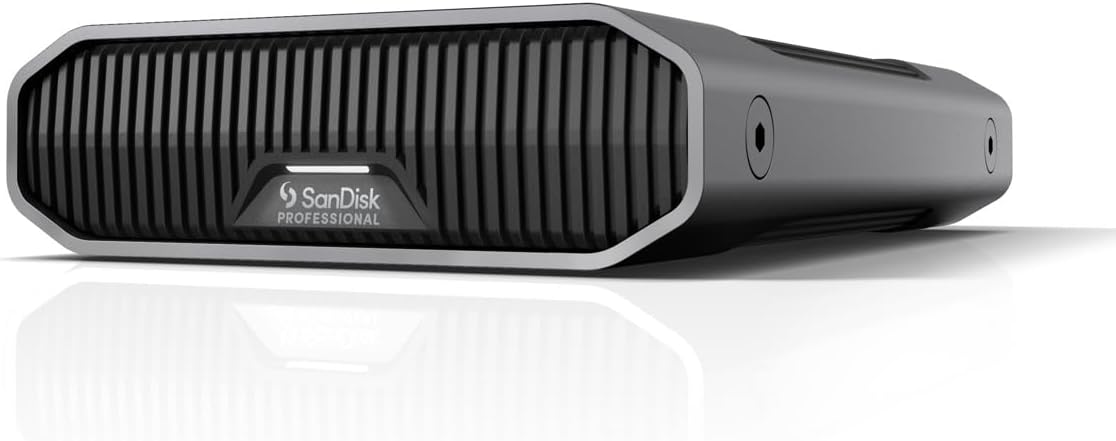
Understanding how different users employ 8GB USB 3.0 pen drives can provide insights into your own needs. Here are a couple of case studies:
Freelance Photographer

A freelance photographer often needs to transfer high-resolution images quickly. After researching, they chose the SanDisk Ultra Flair for its high read speeds, allowing for swift uploads to clients. The durable design ensures it withstands the rigors of travel.
College Student

A college student requires a reliable pen drive for transferring class notes, assignments, and multimedia presentations. They opted for the Kingston DataTraveler, appreciating its balance of affordability and performance, allowing them to store all necessary files without breaking the bank.
Tips for Maintaining Your USB Drive

Choosing the right USB drive is only part of the equation. Proper maintenance can extend its lifespan and ensure data integrity:
- Safely Eject: Always use the ‘safely eject’ option to prevent data corruption.
- Avoid Extreme Conditions: Keep your drive away from extreme temperatures, humidity, and magnetic fields.
- Regular Backups: Make sure to back up important files in multiple locations to prevent data loss.
Selecting the right 8GB USB 3.0 pen drive involves considering your specific needs, including intended use, build quality, data transfer speeds, and brand reputation. By assessing these factors and weighing the options available in the market, you can find a USB drive that meets your requirements and offers excellent value for your money.
Remember, investing in a quality USB drive not only enhances your data transfer experience but also ensures the safety and longevity of your stored files. As technology continues to evolve, staying informed about the latest developments will help you make the best choices for your digital storage needs.